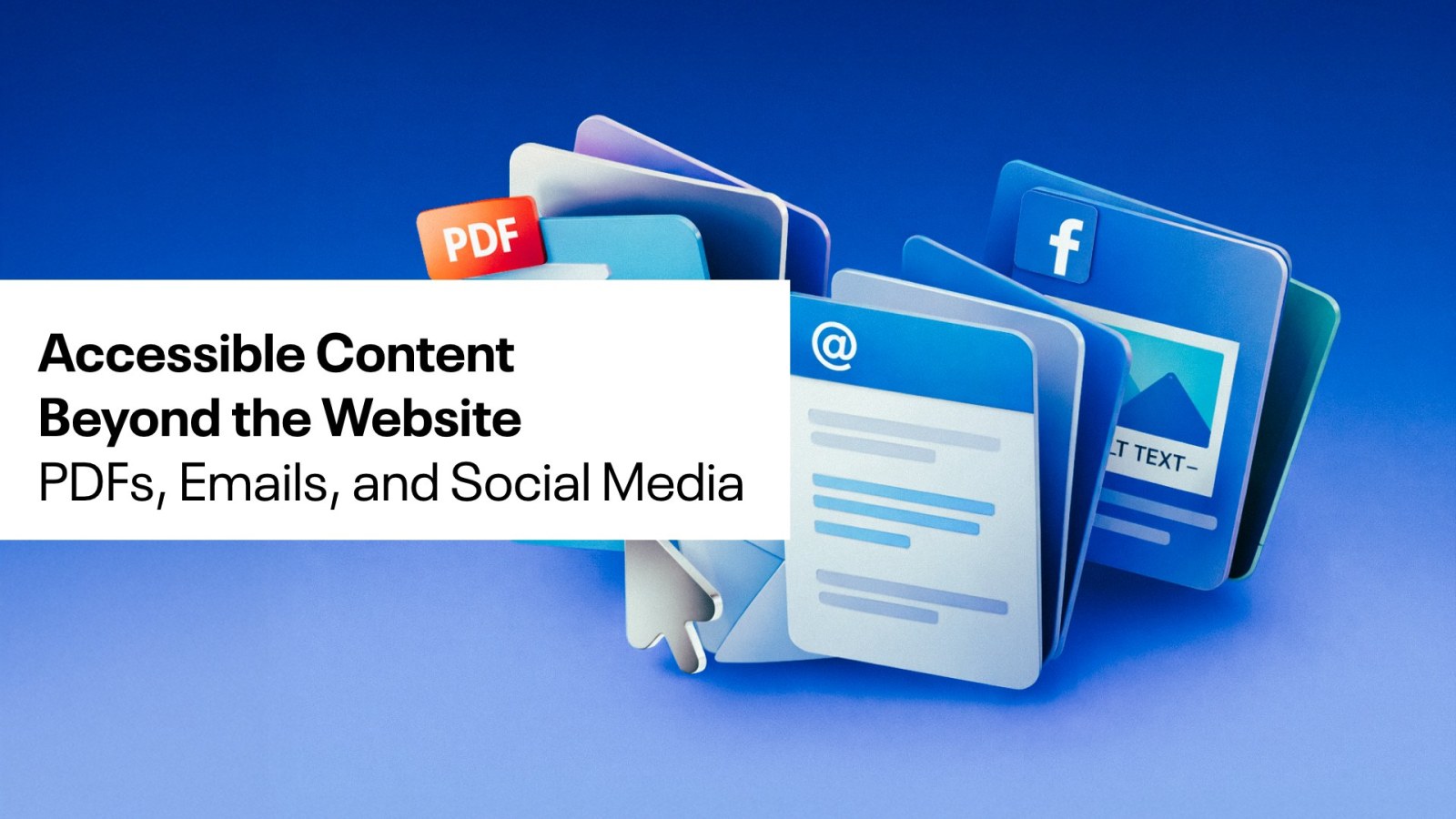
When people think about digital accessibility, their minds usually go straight to websites. While websites are a critical piece of the accessibility puzzle, they are not the only thing that needs to be accessible in order for your customers to have the best digital experience possible. Your content lives everywhere: in downloadable PDFs, in inboxes, and across social media platforms. If those touchpoints are not accessible, you are unintentionally creating barriers.
At cHaus, we believe accessibility should be built into every part of your digital ecosystem. Not just for compliance, but because it leads to better user experiences, stronger engagement, and more inclusive communication.
Why Accessibility Needs to Extend Beyond Websites
Accessibility is about ensuring that everyone can access, understand, and interact with your content. That does not stop when someone leaves your website.
Think about how often you:
- Send a proposal or resource as a PDF
- Share updates through email campaigns
- Post graphics, videos, or carousels on social media
Each of these is a user experience. Each one has the potential to either include or exclude.
When accessibility is applied consistently across all channels, your brand becomes easier to engage with for everyone.
Accessible PDFs: More Than Just a Save-As
PDFs are a staple for reports, white papers, and guides, but they are often the biggest hurdle for screen reader users. A flat PDF is essentially just an image of text, making it unreadable for assistive tech.
- Tag the PDF: Ensure that the PDF is created in a way that properly tags all content appropriately (headings, paragraphs, lists, tables, images). This allows screen readers to read the content with proper context.
- Structure the PDF: Headings should follow a logical hierarchy. This helps screen readers interpret the flow of the content.
- Ensure Readable Fonts and Contrast: Small text, low contrast, or decorative fonts can make PDFs difficult to read for many users.
- Alt Text for Data and Graphics: Any images, charts, or graphs within your PDF need descriptive alternative text to convey the same meaning to someone who cannot see them.
Creating Accessible Emails
Email marketing is a powerful tool, but accessibility is often an afterthought. Here are some tips that will make your emails easy for all your customers to read and understand.
- Descriptive Subject Lines: Help users understand the content before they even open the email.
- Avoid Image-Only Emails and Signatures: If the only content is in an image, screen readers will miss it entirely.
- Strategic Hierarchy: Use clear headings so users can scan the content easily.
- Meaningful Link Text: Avoid “click here.” Instead, use descriptive phrases like “Download the Accessibility Guide” so users know exactly where the link leads.
Presentations That Everyone Can Follow
Whether you are presenting at a local workshop or sharing a deck with customers worldwide, your slides should be clear and accessible.
- High Contrast: Ensure your text stands out against the background. Low-contrast designs are a major barrier for users with visual impairments.
- Slide Titles: Every slide needs a unique title to help those using screen readers navigate the deck.
- Speak Your Visuals: During a live presentation, describe any important images or data shown on the screen for those who may be calling in or have low vision. Make sure that there is alt text on any images or charts in presentations that are being shared with other users.
Designing Accessible Social Media Content
Social media moves fast, but accessibility still matters.
Every post is an opportunity to reach a broader audience and make your content more usable. We’ve done a deep dive into social media accessibility before, but here are the highlights.
- Alternative Text: Always add custom alt text to your images on Instagram, Facebook, and LinkedIn. Don’t rely on the auto-generated descriptions, which are often inaccurate.
- Captions and Transcripts: For video content, captions are a must. Not just for the Deaf and hard-of-hearing community, but for the many users who watch videos with the sound off. Video descriptions let users with vision issues understand the important visual aspects of the scene.
- Use Clear, Readable Fonts: Decorative fonts may look interesting, but can reduce readability.
- CamelCase Hashtags: Capitalize the first letter of each word in your hashtags (e.g., #DigitalAccessibility instead of #digitalaccessibility). This allows screen readers to distinguish and announce the individual words.
Accessibility as a Competitive Advantage
Accessibility is not about doing one thing well. It is about doing many things consistently.
When your website is accessible but your PDFs are not, or your social content is engaging but difficult to read, the user experience becomes fragmented.
When your content is easier to read, navigate, and understand, more people can engage with it. That leads to better performance across the board. Higher engagement, stronger trust, and ultimately, better results.
If you are just getting started, begin with small improvements. Update your templates. Review your documents. Add alt text. Improve contrast. Over time, these small changes add up to a more inclusive and effective digital presence.
At cHaus, we don’t just ‘do’ accessibility; we integrate it into our overall strategic direction. If you’re looking to audit your digital presence or need a hand creating a more inclusive content strategy, let’s talk.